The
Uncle Test.
Four simple checks before you send us your picture. If your uncle can pass it, your picture will print perfect on the tee. That's the whole guide. 60 seconds, max.
Skip the reading
Drop your picture.
We'll check it for you.
Background box, or no?
The boring secret of t-shirt printing: that solid block behind your logo? It prints. Looks like a peeled sticker. Here's how to spot it.
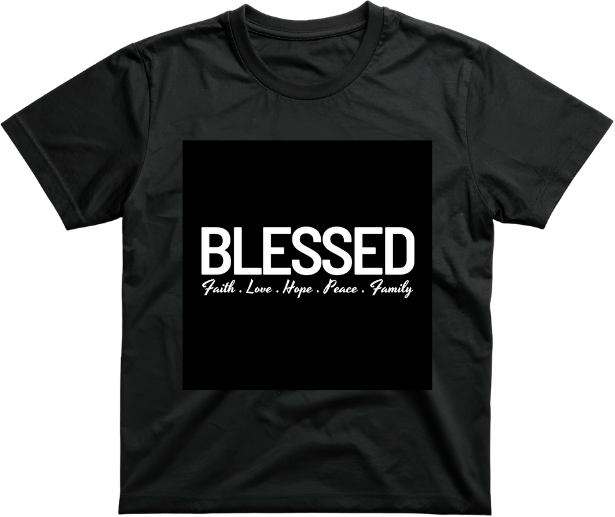
Logo on a solid background
Whatever colour sits behind your logo, that's what prints on the tee. Looks like a sticker someone forgot to peel.
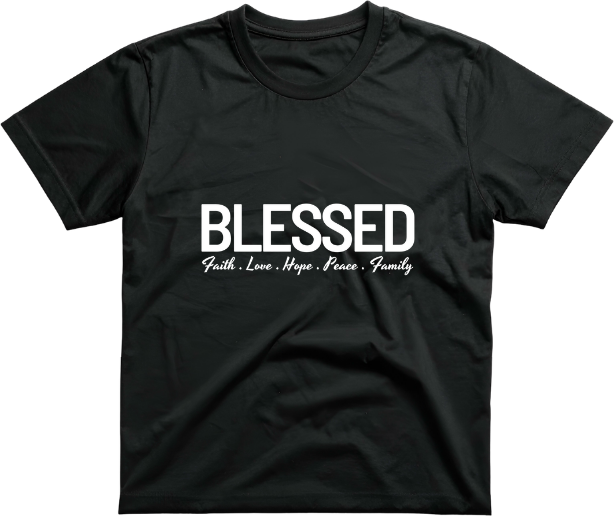
Just the logo shape, nothing else
Only the design prints. The fabric shows through everywhere else. This is what looks professional.
Solid, or gas effect?
Solid edges print clean on the tee. Soft, gas-like edges leave a faded halo around the design. The trick: think sticker.
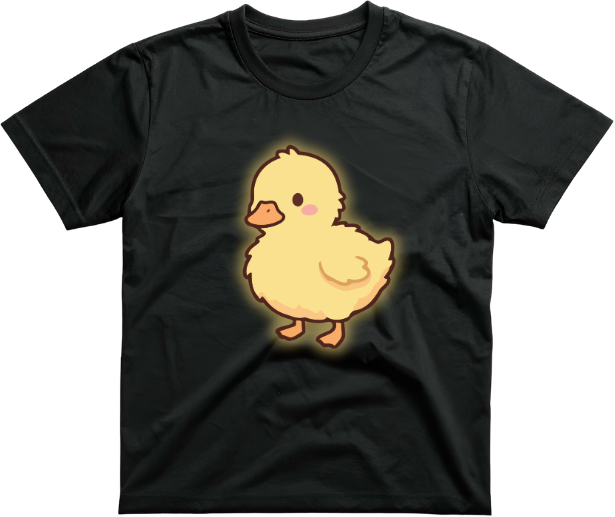
Gas effect, soft edges
See the fuzzy halo? That faded gas-effect prints onto the tee. Looks like a smudge around your design.
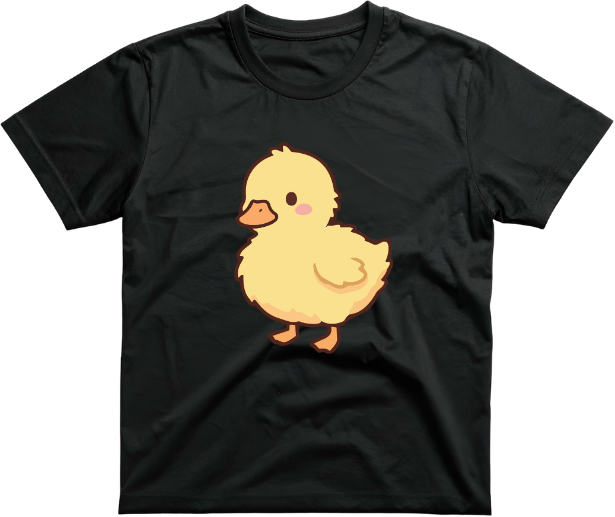
Solid edges, sticker-like
The edge stops cleanly. Like a real sticker. This is what we want, every time.
The sticker test
Ask yourself: "Could this be cut out as a sticker?" Yes, perfect for the tee. No (edges fade or glow), needs to be cleaner.
RGB, or CMYK?
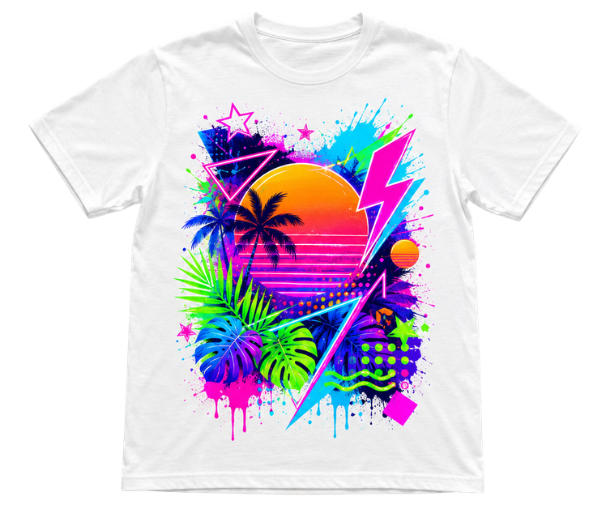
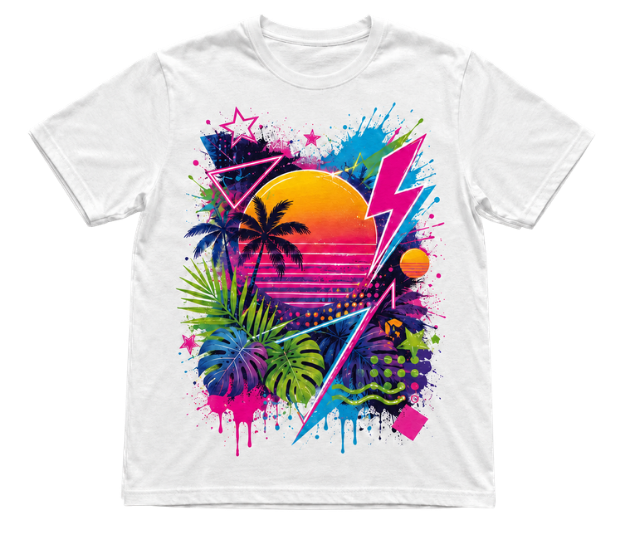
Your phone screen shows colours in RGB (it can glow). The tee prints in CMYK (ink on cotton, no glow). Normal colours look the same. Neons come out a little softer. Here's the side-by-side.
What this means for you
Quick recap
Your phone screen has a backlight and uses RGB, so colours look extra bright and glowy. Cotton with real ink (CMYK) can't glow back at you.
RealityNormal colours print very close to what you see. Neon and super-bright colours come out a little softer. The print is never 100% the same as your screen.
The 4-point Uncle Test.
Tap each box once you've checked it. All four yellow = your tee comes out exactly like you imagined.
0 of 4 done
Stuck on any? WhatsApp us the picture. We check it for free.
Picture passes.
Let's print.
You've got the basics. Upload your picture and we'll do the rest. Not sure? WhatsApp first. We check for free.