Why small pictures print blurry
Every picture is made of pixels. A small picture looks sharp on a phone because the screen is small, but stretched across a chest or a back, each pixel becomes a visible block or a blur. The product designer checks this at the size you place the picture: 150 pixels per inch or more prints sharp, between 100 and 150 may print soft, and under 100 may print blurry.
| Print width | Sharp from | May print blurry below |
|---|---|---|
| 8 cm, a chest logo | 473 pixels | 315 pixels |
| 20 cm, a small front print | 1,182 pixels | 788 pixels |
| 25 cm, a full front print | 1,477 pixels | 985 pixels |
| 30 cm, a large back print | 1,772 pixels | 1,182 pixels |
First, look for a bigger original
The best fix costs nothing. Pictures get smaller each time they are forwarded on WhatsApp, saved from social media or screenshotted, so ask whoever made the design for the original file, or save the picture again from where it first came from. A logo is best as an AI, PDF or SVG file, which stays sharp at any size.
What Enhance HD does
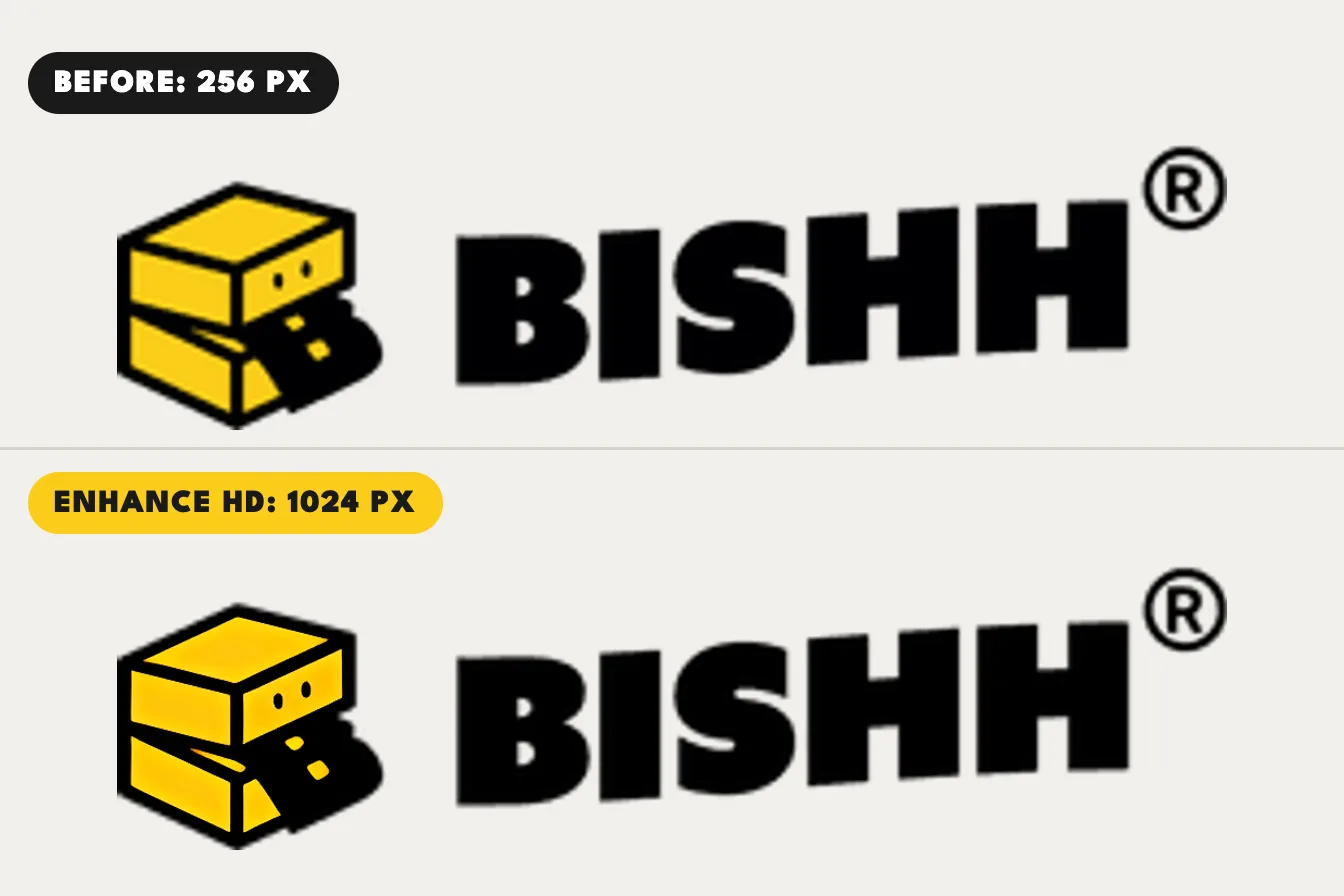
Enhance HD sends your picture to an AI model that makes it four times larger and redraws clean edges and textures, instead of only stretching the pixels. It looks at the picture first and picks one of two models: one made for flat artwork such as logos and lettering, and one for photos and everything else. A logo copied from a website at 256 pixels wide comes back 1,024 pixels wide.
What AI cannot fix
AI sharpens edges and smooths out blocks, but it cannot bring back detail the picture never had. Tiny text may come out as shapes that only look like letters, a face from a very small photo can change, and a picture under 200 pixels on its long side is too small for Enhance HD to help. That is why BISHH never prints the enhanced copy without asking you, and why the print check keeps judging your original: after enhancing, it says the picture was AI-enhanced from its real size, so you know how much the AI drew.
How to use Enhance HD
- Sign in, then upload your picture in Custom Lab or the product designer.
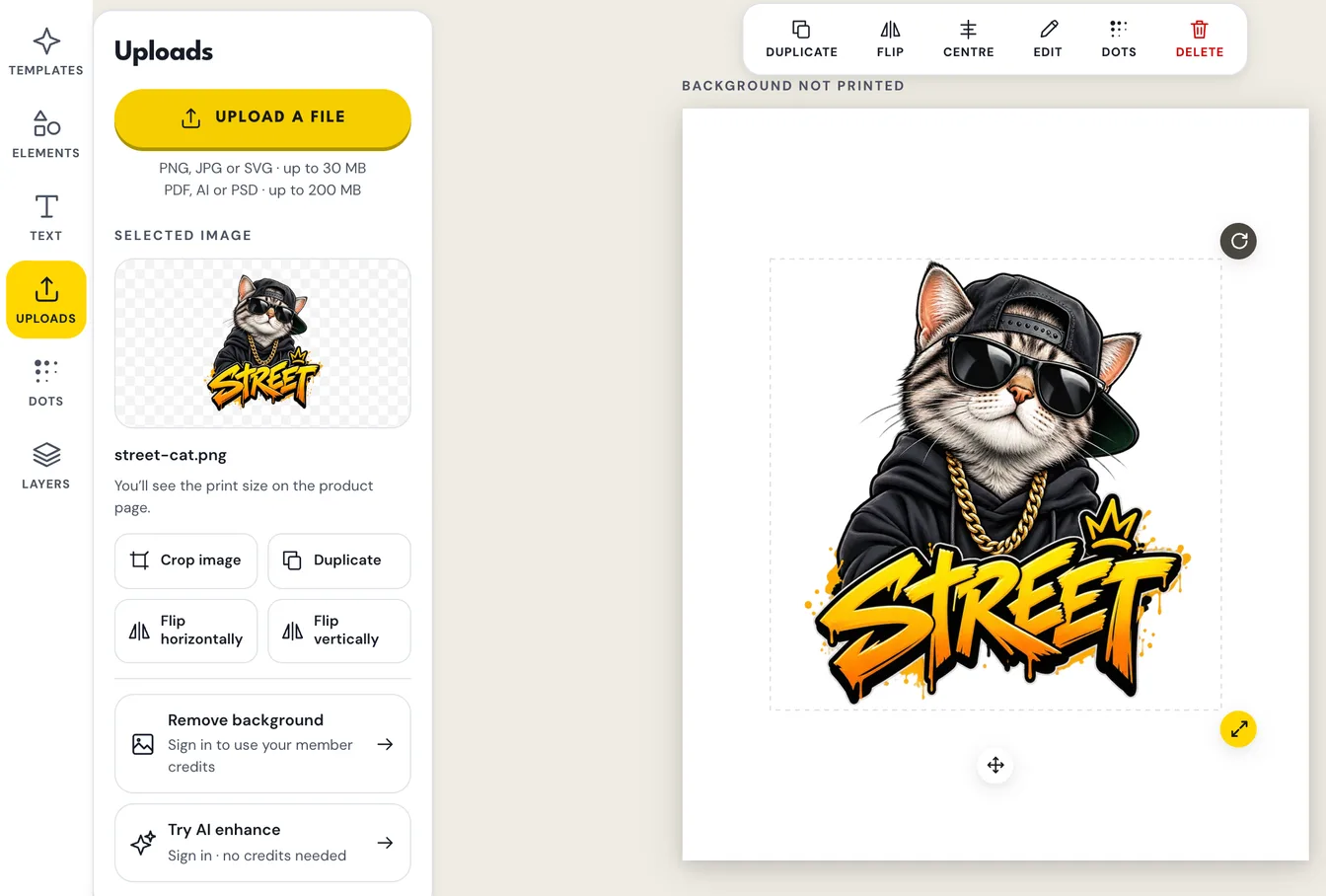
- In Custom Lab, select the picture and tap Try AI enhance. It shows for pictures under 2,400 pixels on the long side. In the product designer, the button shows when the print check warns that a picture may print soft or blurry.
- Wait about half a minute. A progress bar shows each step, and Cancel stops it.
- Compare the close-up: the same part of your picture and of the enhanced copy, side by side at twice their printed size, with a 1 cm bar.
- Tap Use enhanced to print the enhanced copy, or Keep original. You can go back to your original later.
Is Enhance HD free?
Yes. It needs a free account but uses no credits. Enhancing the same picture a second time is instant, because the result is kept.
Which pictures it helps most
| Your picture | What to expect |
|---|---|
| A logo or lettering saved small | The biggest gain: edges come back clean and solid |
| A phone photo that is a little small | Smoother and sharper at print size, though fine detail stays limited |
| A screenshot or a heavily compressed picture | Better, but some blocky marks can remain |
| A picture under 200 pixels | Too small to rebuild: send us your original file instead |