Every tool at a glance
| Tool | What it does | Cost |
|---|---|---|
| Templates | 8 editable designs to start from, plus 9 ready-made elements | Free |
| Text | 46 fonts, with size, style and colour | Free |
| Your own files | Photoshop (PSD, PSB), Illustrator (AI) and PDF up to 200 MB, plus PNG, JPG and other pictures | Free |
| Layers | Splits a design file into its layers on a computer or tablet, so you can move each one | Free |
| Crop and flip | Keeps the part of a picture you want, the right way round | Free |
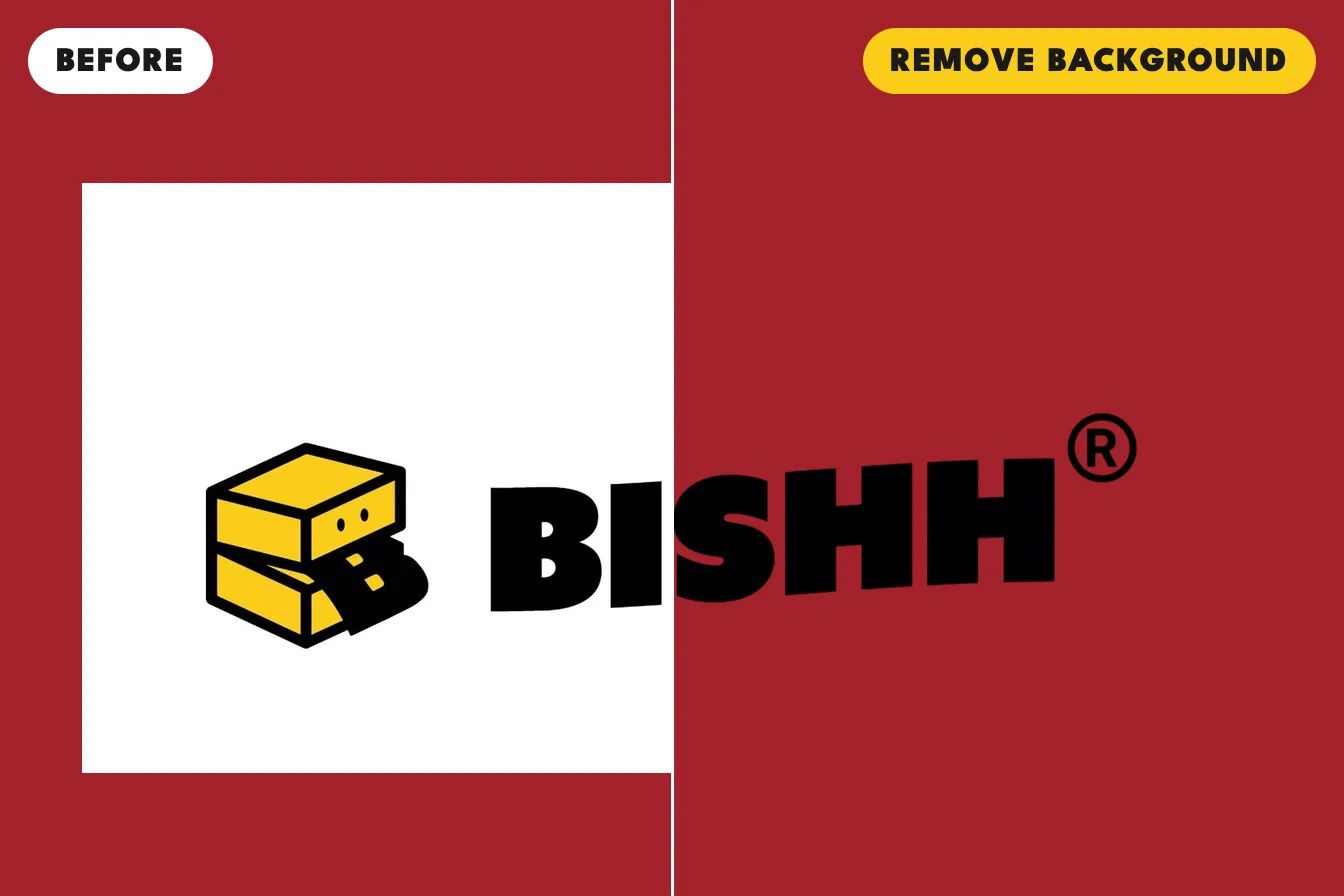
| Remove background | AI removes what is behind your subject | Member credits, free every month |
| Touch up edges | Paints back or erases parts of a cutout by hand | Free |
| Enhance HD | AI makes a small picture four times larger | Free with an account |
| Dots | Turns glows, shadows or a whole photo into halftone dots | Free |
| Colours | Changes the colours of an SVG or a design file | Free |
| Print check | Warns before you pay when a picture may print soft, blurry or with a box | Free |
| The Uncle Test | Checks a picture in your own browser before you upload it | Free |
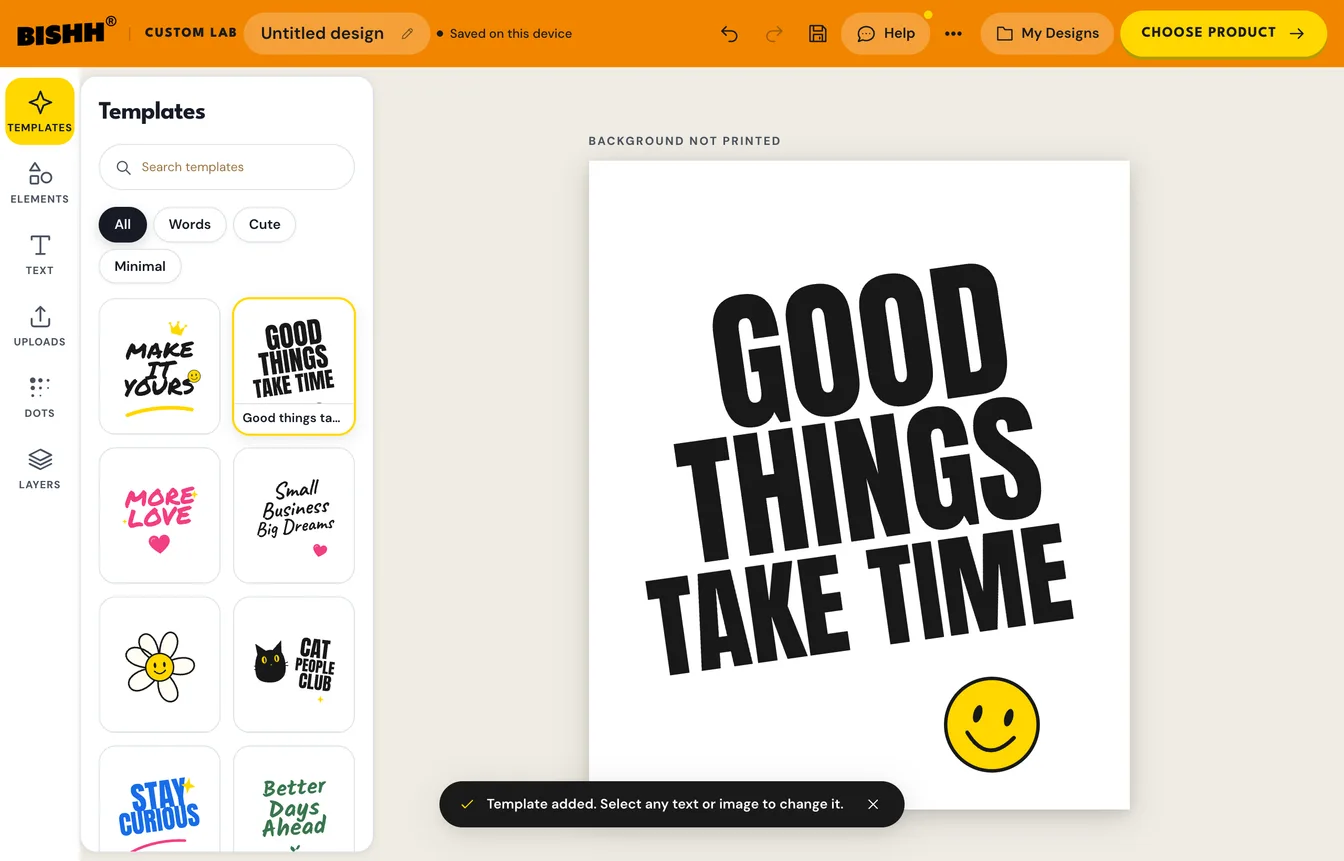
Start a design without an account
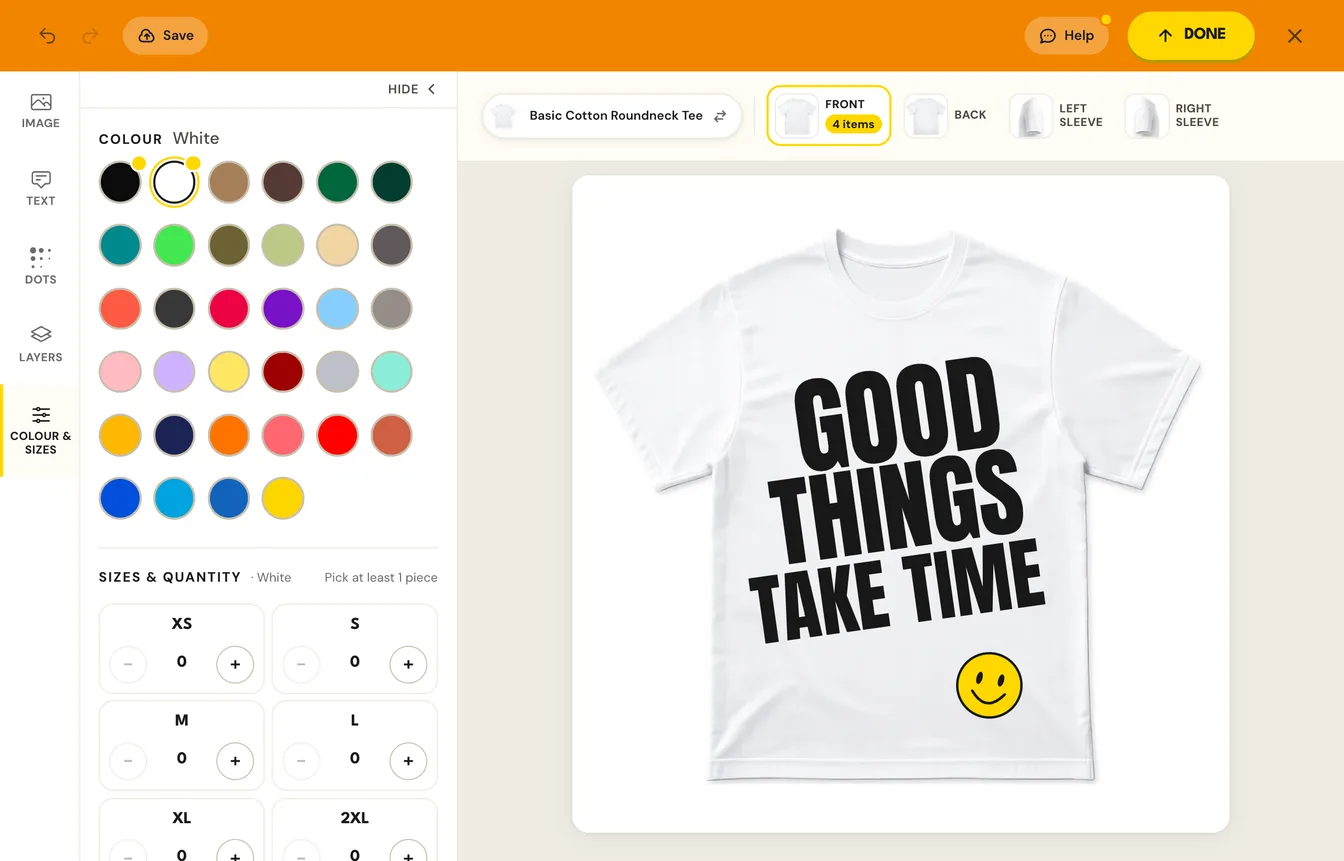
Open Custom Lab and start on a blank canvas or one of the 8 templates. Add words in any of the 46 fonts, shapes from the 9 elements, and your own pictures. You do not need an account to design: Custom Lab keeps a draft on your device, and signing in saves designs to your account so you can use them on other garments later.
Open your own Photoshop, Illustrator or PDF file
Upload a PSD, PSB, AI or PDF file up to 200 MB and it opens on the canvas, so there is nothing to export first. In Custom Lab on a computer or tablet, turn on Advanced to split a layered file into its layers, then move, hide or recolour each one.
Remove a background
Every member gets free background removals each month: 4 on the free Bronze tier you start on when you sign up, and up to 12 a month on Platinum. One removal uses one credit. If you tap Restore original and remove the background again, no extra credit is used, and a removal that fails gives its credit back.
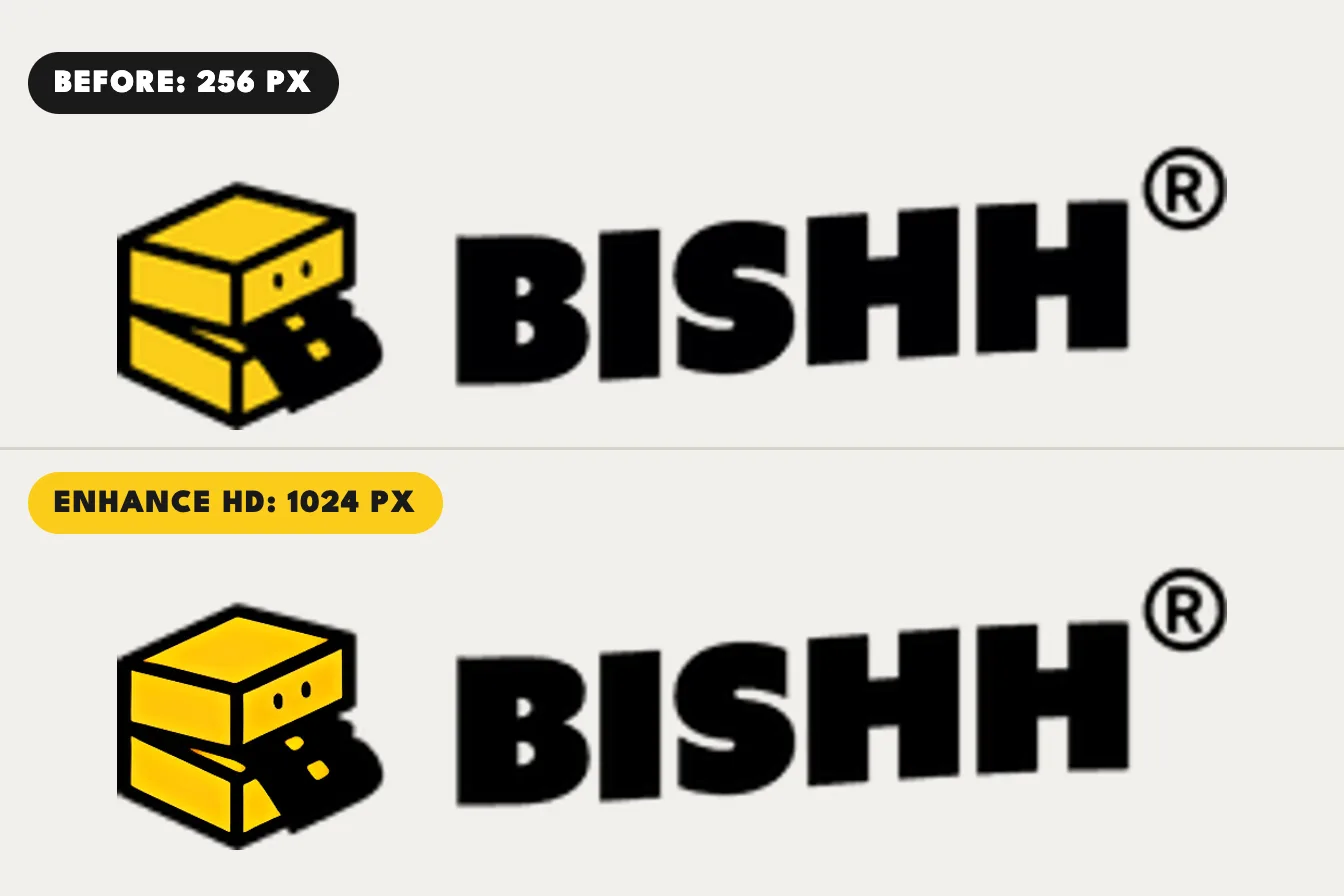
Make a small picture sharper
Enhance HD makes a small picture four times larger with AI and shows it beside your original at print size, so you choose which one prints. It is free with an account, takes about half a minute, and helps most with logos and artwork saved too small.
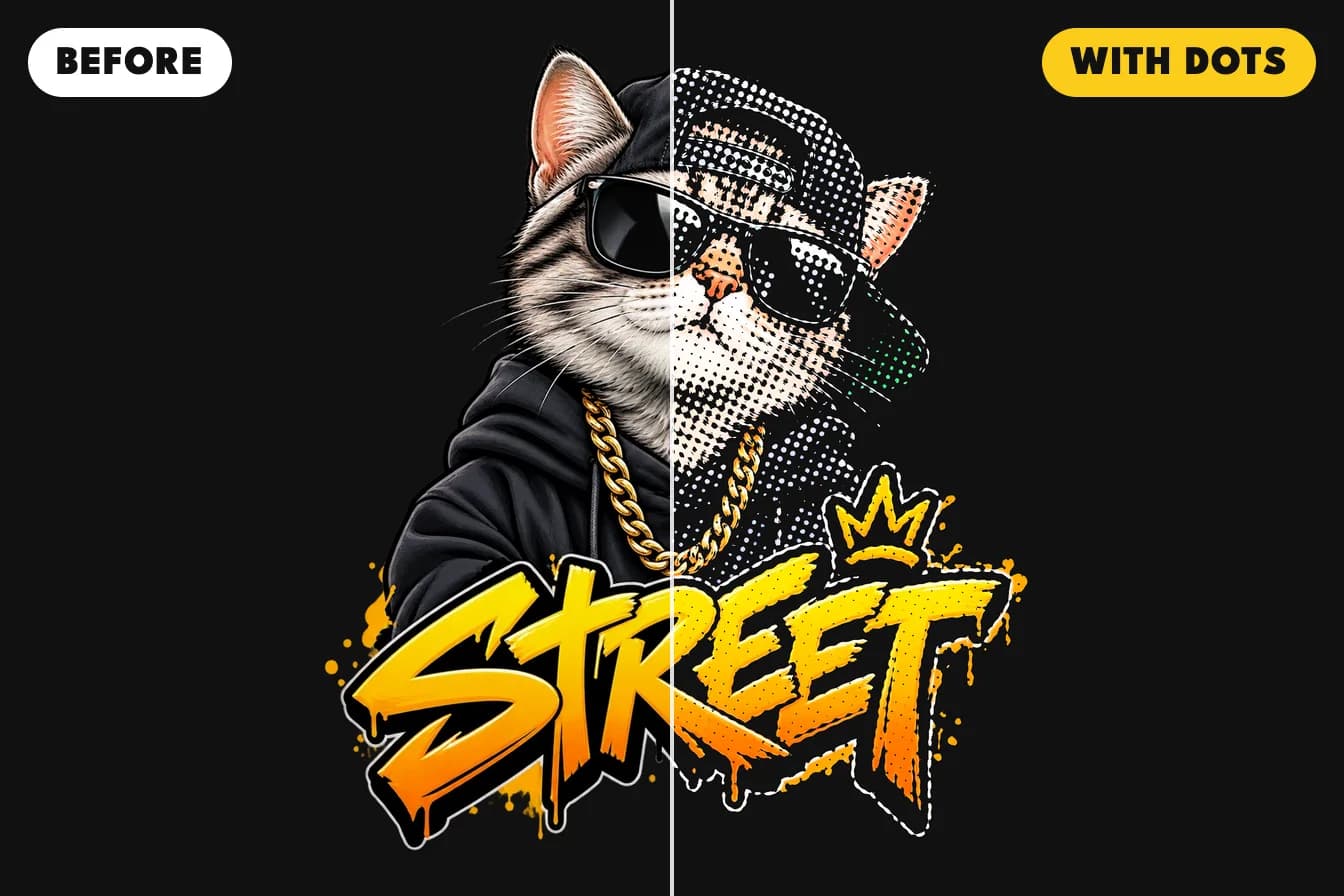
Turn glows and shadows into halftone dots
Soft glows, shadows and faded edges print pale or patchy, because each spot of ink is printed in full or not at all. The Dots tool turns those soft parts, or the whole picture, into solid halftone dots that print cleanly. Choose Big, Medium or Fine dots (12, 20 or 30 lines per inch).
Check before you pay
The product designer checks every picture at the size you place it. It tells you when a picture may print soft or blurry (under 150 pixels per inch), when a white or black background will print as a box on your shirt colour, when 5% or more of a picture is see-through, and when text may be too small to read. To check a picture before you even upload it, run it through the free Uncle Test, which works in your own browser.
Which tools need an account?
Remove background and Enhance HD need a free account, because they run on our servers. Every other tool works as a guest.
What it costs to print
Designing is free. You pay for the printed garment, and the price depends on the product and the print positions. There is no setup fee, no charge per colour and no minimum order, so one piece is a normal order.